vc web gta
Vice City controls and startup
Go straight to the Vice City player, then use this compact startup and controls guide. The keyboard is enough for the first drive; no controller is needed for the desktop test.
vc web gta: Open a new game
Press the play control inside the game, wait for the continue message and click the screen. In the main menu, select Start Game and then New Game. Pause briefly between selections so a single input does not race through the menu.
vc web gta: Get to the street
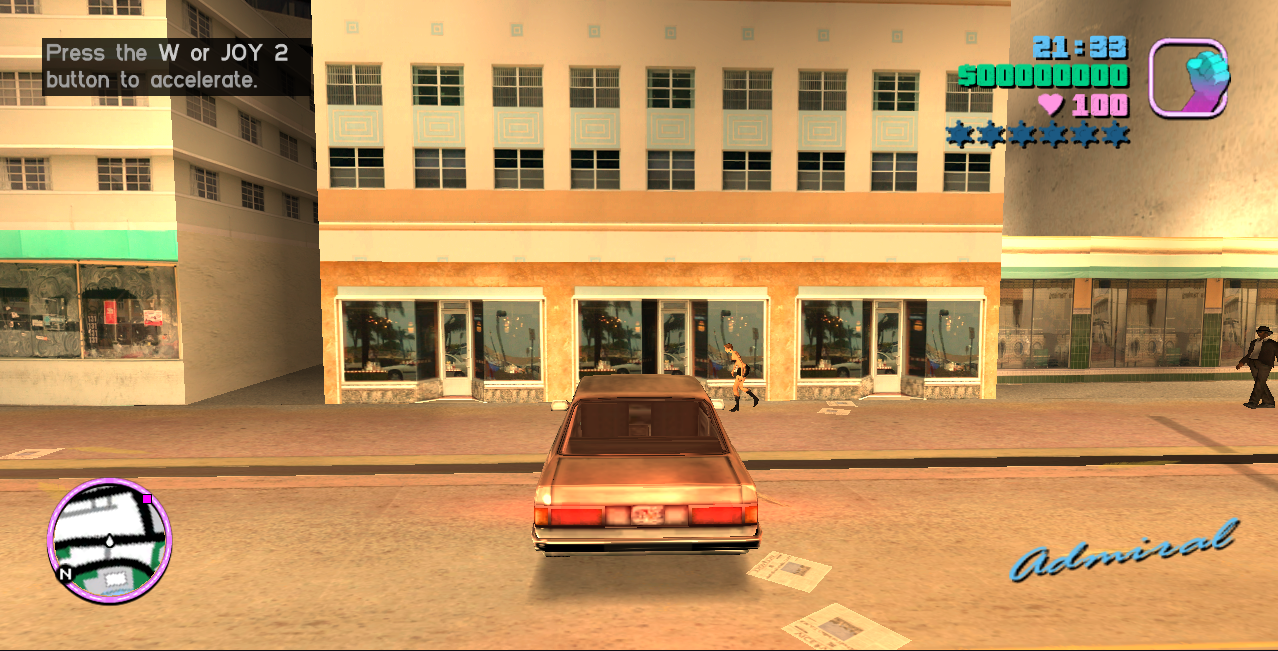
The opening sequence introduces Tommy and his arrival. Once you control the character, use W A S D to walk. Move close to a car, press F and wait for the entry animation. W accelerates and Space provides the handbrake.
vc web gta: Fix input focus
A web page and its embedded game have separate focus. If a key scrolls the page instead of moving the character, click the game canvas. Escape opens the game menu; another press resumes. Fullscreen is available in the toolbar around the player.
Keep your progress
Use the game’s save flow and inspect its save manager before depending on a session. Browser storage is tied to the site address and browser profile. Keep exported saves separately when available, especially before clearing site data or changing devices.
Frequently asked questions
How do I start vc web gta?
Click to play, wait for the continue prompt, click the game screen and choose Start Game, then New Game.
Which version is this vc web gta?
The player runs the classic Vice City adventure. The desktop check covered startup, walking, pause, vehicle entry and driving.