gta vice city online browser game
Your first Vice City session
The local Vice City player is ready on the homepage. This guide takes you from the loading screen to a first drive and explains what has actually been tested.
From page to menu
Open the home player and click its play control. Wait for loading to finish, then click the screen when prompted to continue. Choose Start Game, pause for a moment and choose New Game. Keep the game focused for keyboard input.
A small first objective
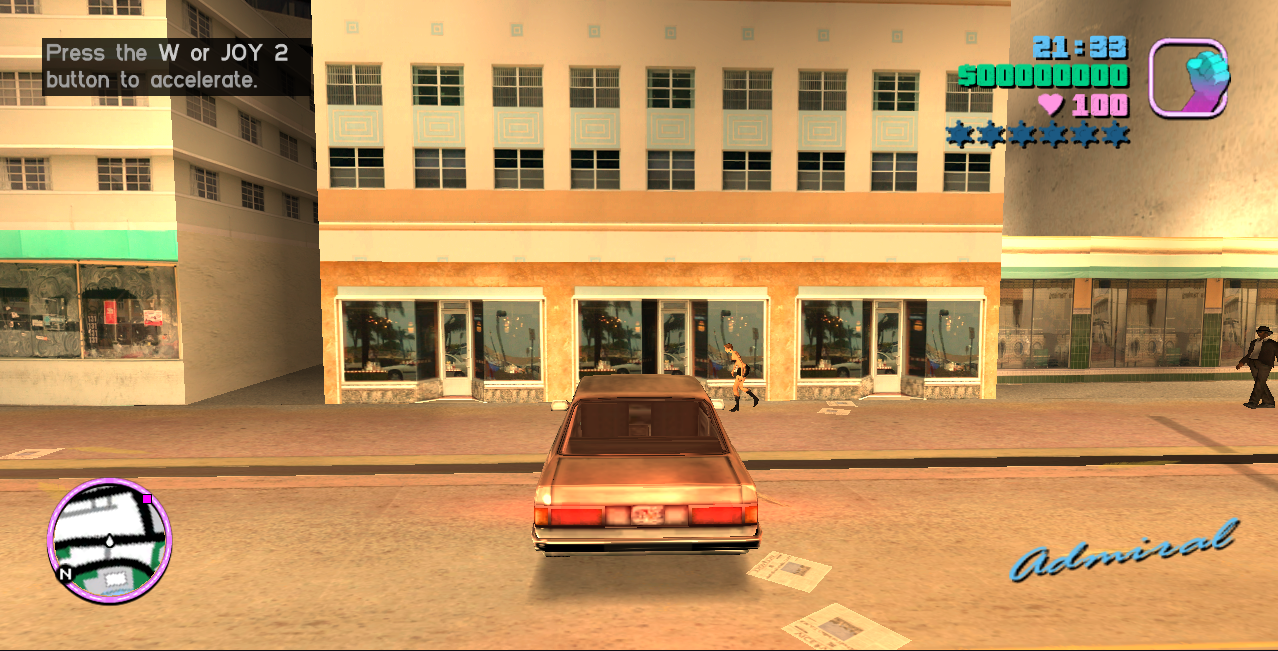
After the introduction, walk out toward the street. Try the camera and pause menu before driving. Approach a vehicle, use F to enter it and press W to accelerate. This gives you a short, repeatable task before attempting a story mission.
What the local check covers
The desktop Chromium session reached the main menu and opening scene, then accepted walking, pause, resume, vehicle entry and driving. This confirms the basic loop. It is not a full campaign completion test or a guarantee for every mobile device.
What online means here
The browser fetches resources from this local server and runs the engine in the tab. Online access describes delivery, rather than a multiplayer mode. The game here is the classic Vice City adventure; its identity is shown beside the player.
Frequently asked questions
How do I start gta vice city online browser game?
Click to play, wait for the continue prompt, click the game screen and choose Start Game, then New Game.
Which version is this gta vice city online browser game?
The player runs the classic Vice City adventure. The desktop check covered startup, walking, pause, vehicle entry and driving.